Flutter Made a Bet Against the Web. The Web Won.

Flutter launched with an audacious premise: the browser is broken, so let’s skip it entirely. Instead of HTML, CSS, and JavaScript, Google offered a custom rendering engine, a new language called Dart, and a single codebase that would run beautifully on iOS, Android, web, and desktop.
It was a compelling pitch. And for a moment, it looked like it might work.
But here’s what happened while Flutter was building its case: the web quietly fixed everything Flutter was complaining about.
The Problem Flutter Was Solving Wasn’t the Problem Anymore
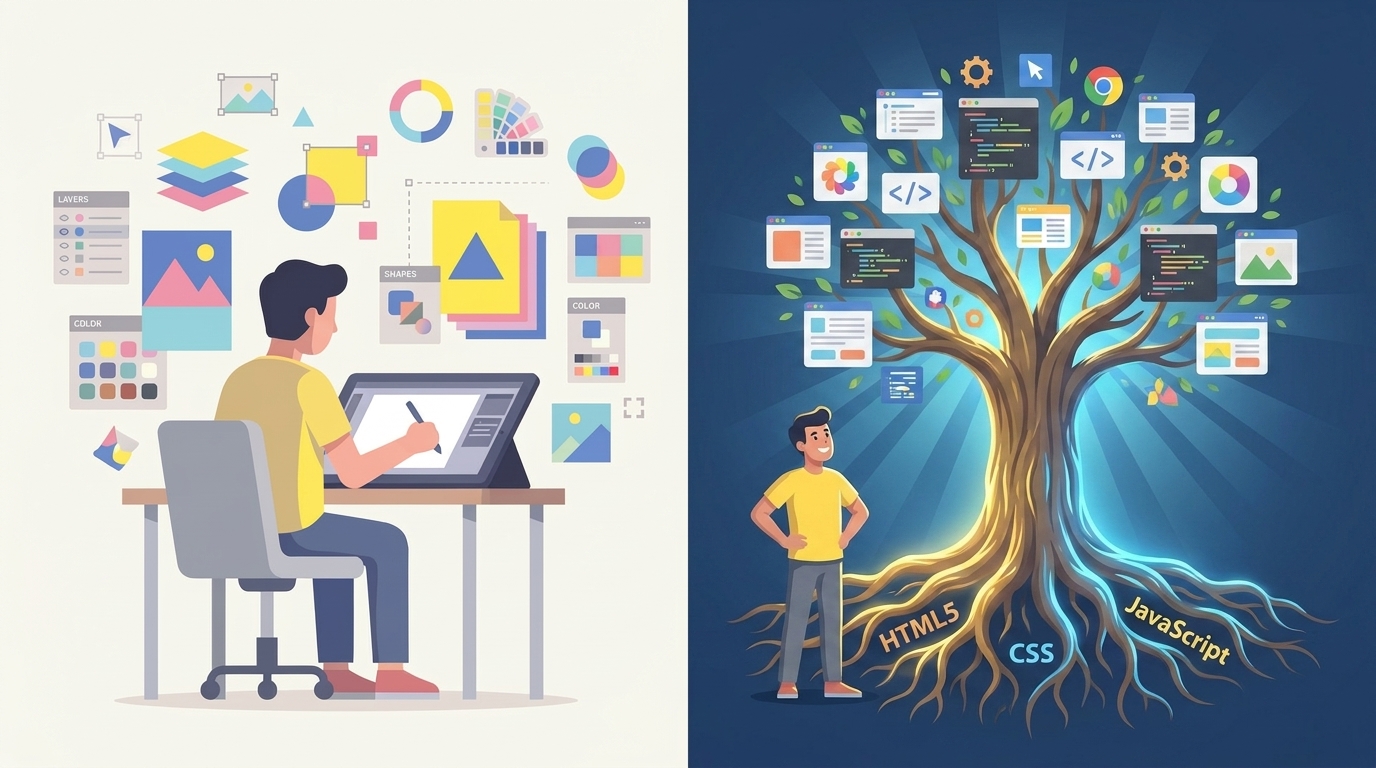
Flutter’s implicit argument was always that the web is a bad platform for apps. That HTML is fragmented, CSS is a mess, JavaScript is slow, and building for both iOS and Android means writing everything twice.
That was accurate in 2015. It stopped being accurate around 2020, and by 2026 it’s nostalgia.
The modern web gives you cross-platform by default — not as a feature you opt into, but as a baseline. Every device with a browser runs the same code: phones, tablets, desktops, TVs, wearables. No app store, no recompilation, no 30% commission. You ship a URL. The web’s layout system has matured dramatically — CSS Grid, Flexbox, Container Queries, and the new Anchor Positioning API give you the kind of precise control that once required native code. And the ecosystem is incomparable: npm has over two million packages, a talent pool that dwarfs every other platform, and a standards process (Interop 2026) that is immune to any single company’s roadmap. 1
Flutter’s answer to all of this was: learn Dart.
Dart is a language Google created. It is used almost exclusively for Flutter. Outside of Flutter, it barely exists. That’s not a foundation. That’s a dependency.
Then WebAssembly Showed Up and Closed the Last Gap
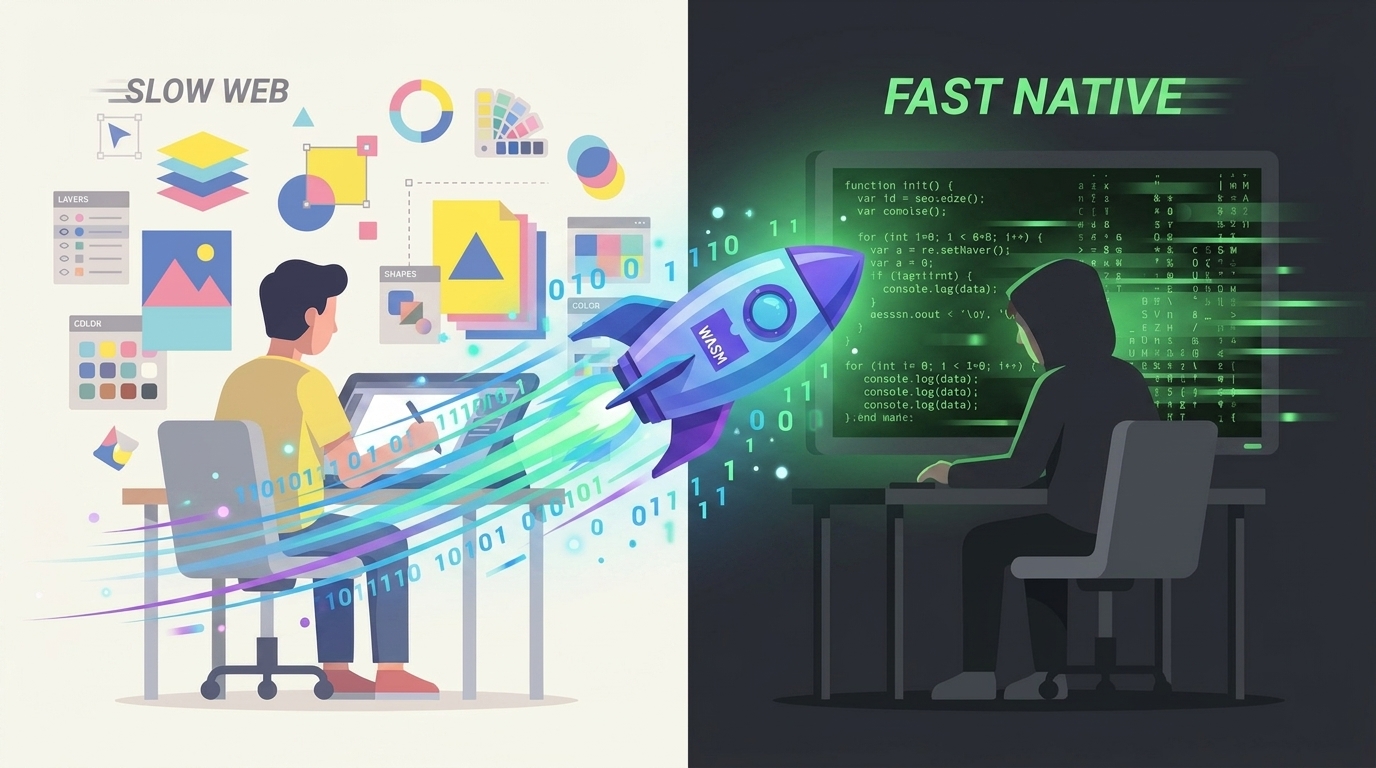
Flutter’s strongest real argument was performance. Dart compiles to native ARM code, bypassing JavaScript’s overhead. On mobile, this gave Flutter a measurable edge in animation smoothness and startup time.
WebAssembly ended that argument.
WASM executes at near-native speeds inside the browser. Compute-intensive workloads — physics simulations, image processing, data crunching — now run in the browser at speeds that were previously only possible in compiled native apps. Benchmarks from 2025 show WASM applications loading 40% faster than their JavaScript equivalents and using 30% less memory at runtime. 2
Here’s the moment that tells you everything: Flutter Web now compiles to WebAssembly by default. Google’s team pivoted Flutter’s entire web story around the technology that the web platform already had. The framework that was supposed to replace the web had to adopt the web’s own solution to compete. 3
That’s not an evolution. That’s a concession.
“But You Can’t Put a Web App on the App Store”
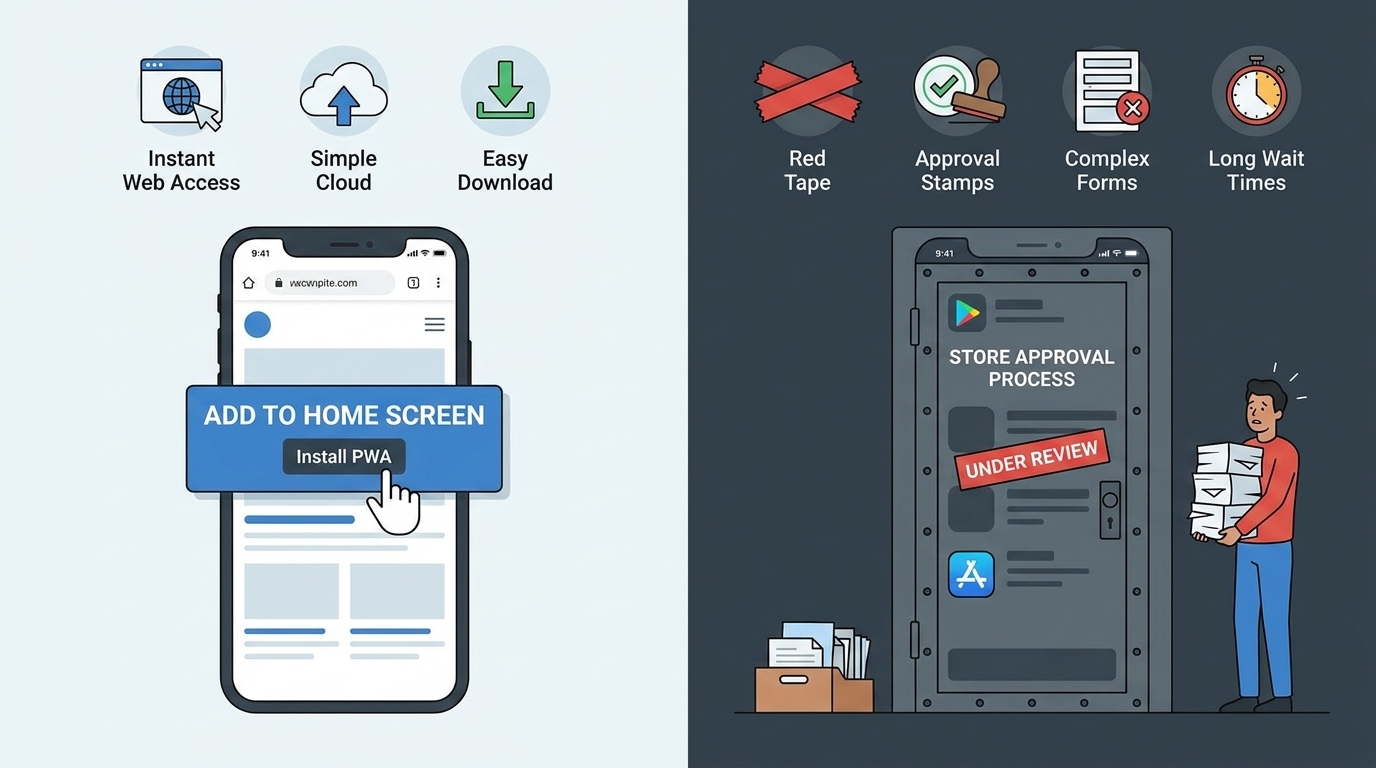
This is the argument Flutter teams fall back on when you press them. And it deserves a real answer — because it’s partly true and partly not.
PWAs can be published on the Google Play Store via Trusted Web Activities with a Lighthouse score above 80 and domain verification. The Microsoft Store accepts them with minimal friction. That part is straightforward.
Apple is harder. App Store Review Guideline 4.2 explicitly rejects apps that feel like “repackaged websites.” A plain WebView wrapper around a PWA will get rejected unless you add meaningful native functionality. In EU regions, Apple’s response to the Digital Markets Act made things messier: standalone PWAs on iOS sometimes revert to opening inside Safari, losing home screen icons and push notifications. 4
So the honest answer is: PWAs work well on Android and desktop. iOS is still a friction point.
But here’s what most of those conversations miss: for a large portion of apps, not being in the App Store is fine. Parking apps, digital menus, event ticketing, business dashboards — these don’t need the discovery channel of the App Store. They need to be accessible and fast. A PWA nails that. Statista projects PWAs will represent 18.5% of all web applications by 2025, and that number keeps climbing as the install-from-browser experience improves. 5
Where Flutter Actually Wins (And It’s a Real Win)
Let’s be fair about this.
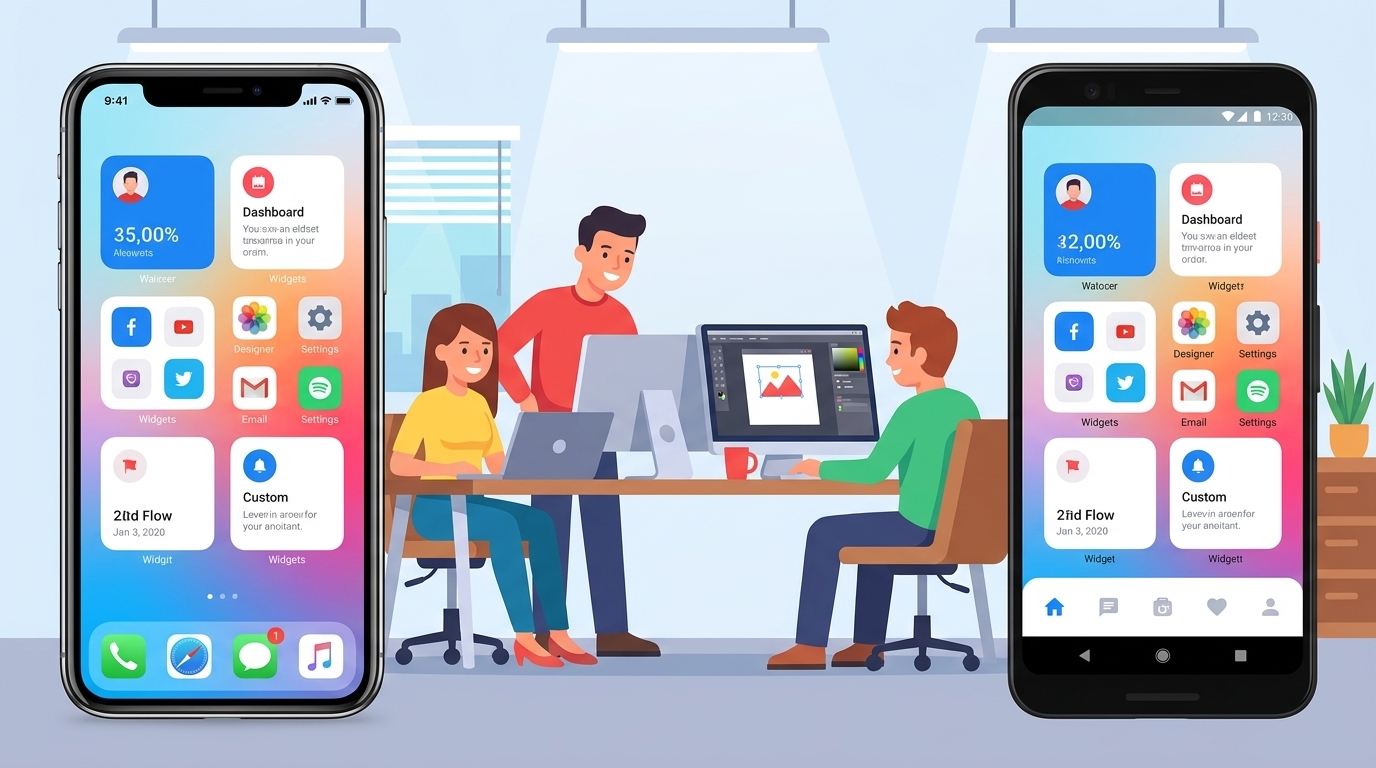
Flutter is genuinely excellent at a specific kind of app: branded, animation-heavy mobile experiences where the visual language has to be identical across iOS and Android, and where a small team needs to ship quickly. Nubank, Google Pay, and dozens of fintech companies have bet on Flutter for exactly this reason. 6
A Flutter app renders its own pixels using its Impeller engine, which pre-compiles shaders at build time. The result is consistent 60 or 120 FPS, no jank, no platform-specific rendering quirks. A Flutter app on a mid-range 2022 Android device looks identical to the same app on an iPhone 17 Pro. For design-led organizations where pixel-perfect branding is a competitive necessity, that consistency has real value. Enterprise data shows Flutter MVPs typically ship in 12–16 weeks versus 20–28 weeks for separate native teams. 7
That’s not an experiment. That’s a tool doing its job well.
The question is whether that job is broad enough to justify the tradeoffs.
The Canvas Trap
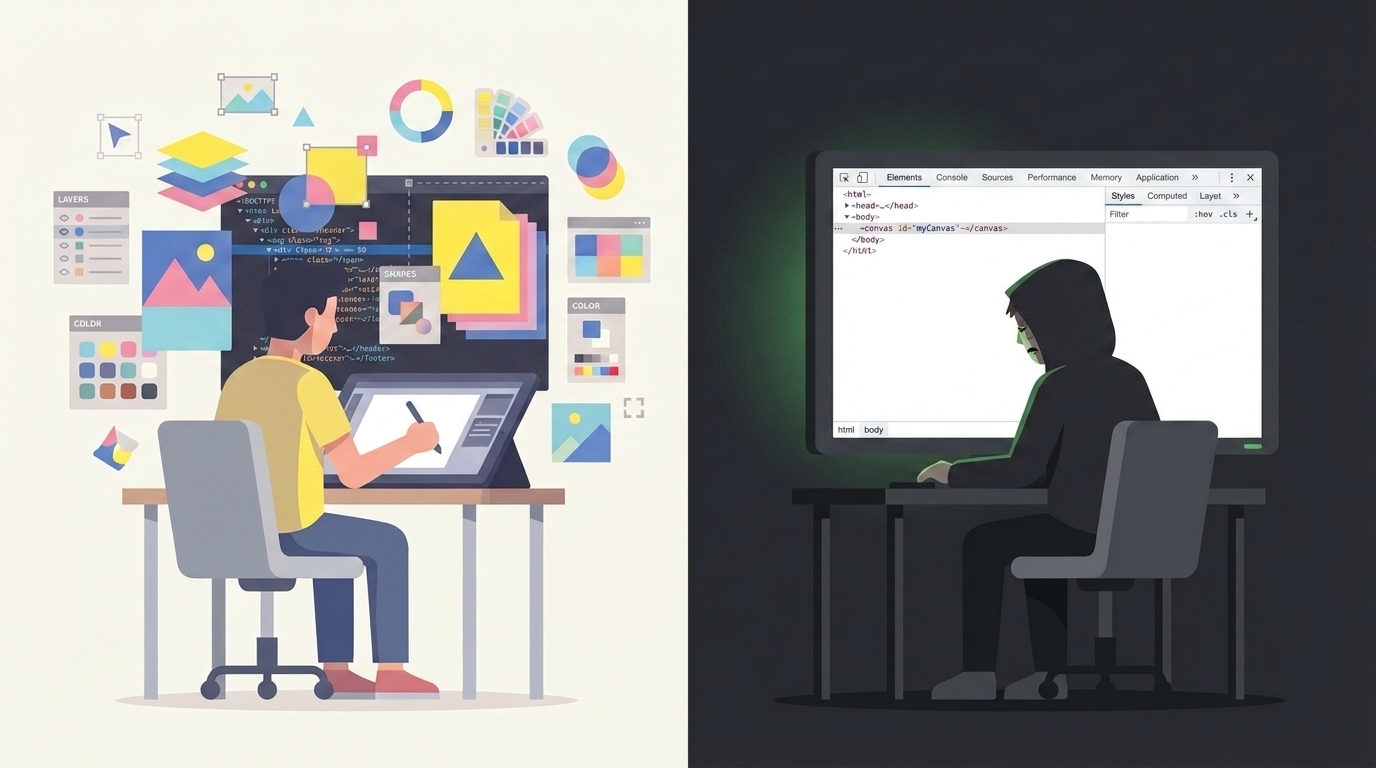
Flutter’s rendering model — drawing everything to a canvas — is both its strength and its most stubborn limitation.
Open DevTools on a Flutter web app. You’ll find one canvas element. There is no DOM tree to inspect, no computed styles to hover over, no accessibility tree that screen readers can traverse without significant extra work. Debugging a Flutter web app is a fundamentally different and worse experience than debugging a real web app.
The accessibility problem is structural. The web’s document-centric model gives you a semantic HTML tree for free — something that screen readers and assistive technologies have spent three decades optimizing for. Flutter bolts an accessibility layer on top of its canvas, and while the team has improved it considerably, it remains fragile and requires heroic effort to meet WCAG 2.1 standards.
The SEO problem is equally real. Search engines crawl text. They don’t crawl canvas pixels. A Flutter web app is essentially invisible to Google unless you implement server-side rendering workarounds. This is why Google’s own team recently rebuilt the Flutter documentation websites using Jaspr — a Dart-based framework that generates real HTML. 8
Read that again: Google rebuilt Flutter’s own website not using Flutter Web.
The Open Standards Argument
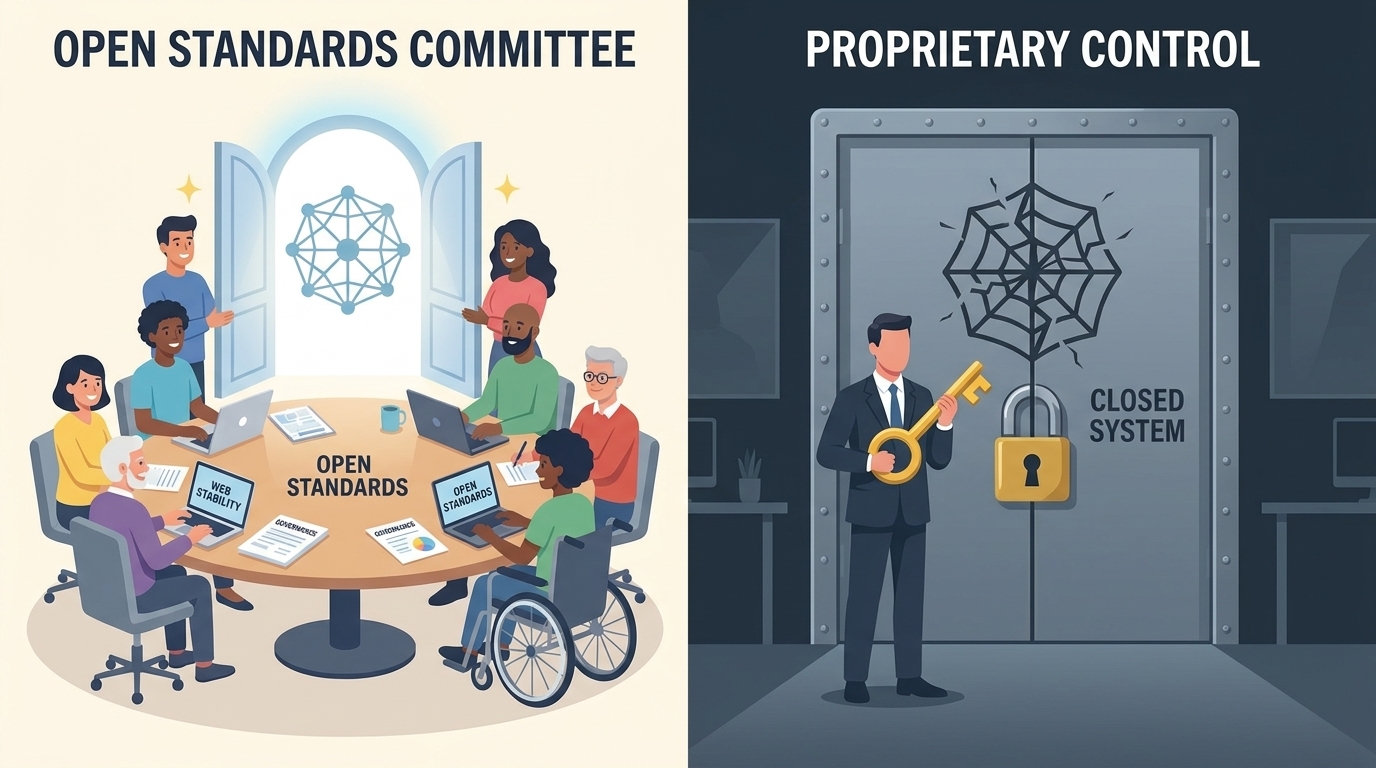
Google has a well-known history of discontinuing products. Google Reader, Stadia, Inbox, Allo — the list is long. Flutter is a much bigger bet, but it is also uniquely exposed: Dart’s adoption is almost entirely dependent on Flutter’s survival. If Google shifts priorities, Flutter loses its primary backer, its primary language, and its toolchain in one move.
The web is governed by the W3C, WHATWG, and browser vendors competing in a standards process. HTML, CSS, and WebAssembly cannot be turned off by one company. The investment you make in web technologies compounds indefinitely. This structural stability is something no proprietary framework can offer.
The One Wildcard Flutter Has Left
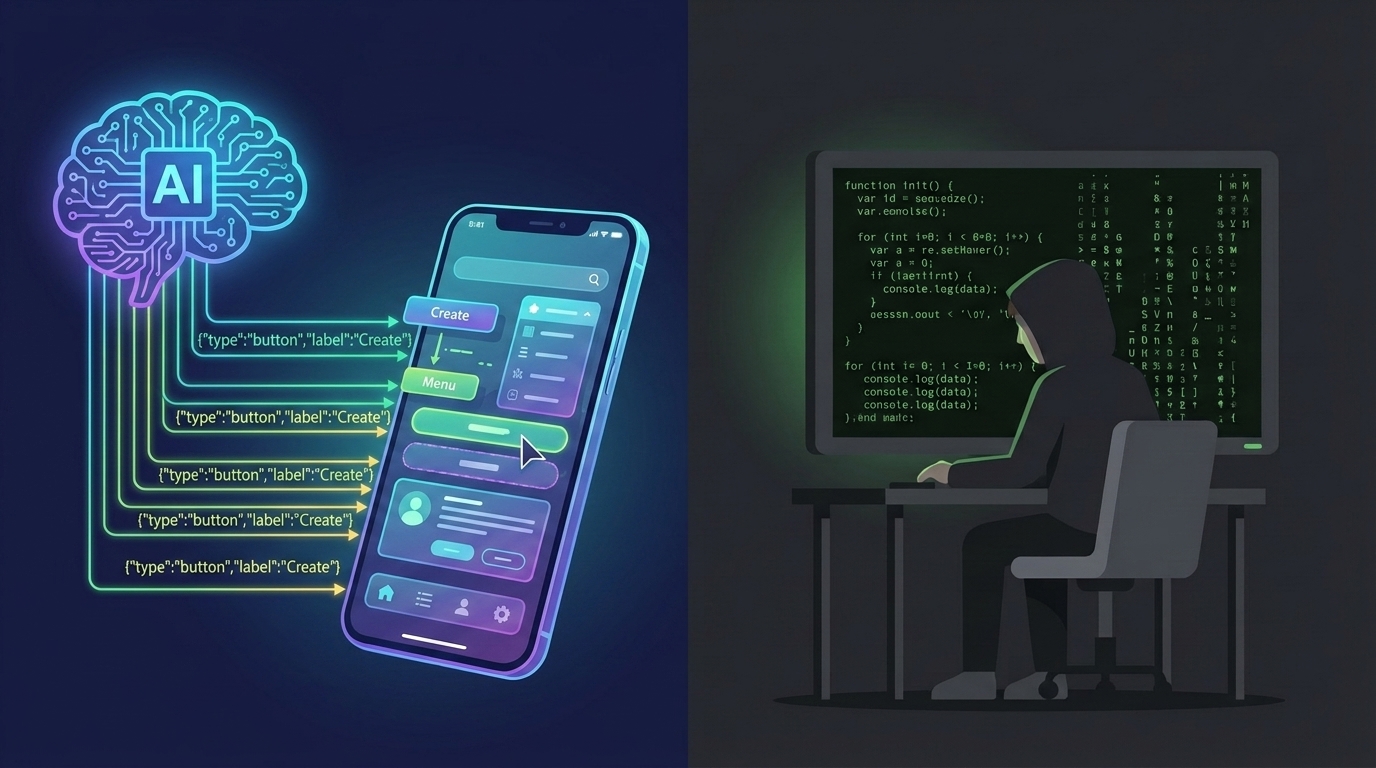
There is one area where Flutter has a genuine strategic advantage that the web hasn’t fully addressed yet: agentic interfaces.
The 2026 Flutter roadmap is heavily focused on GenUI — interfaces that don’t exist until an AI agent generates them at runtime. The A2UI protocol, a declarative JSON format created by Google and the open-source community, allows AI agents to describe UI structure and state to the client, which renders it using a trusted catalog of native widgets. No JavaScript injection, no XSS risk. Structured, streaming-friendly, rendering at 60 FPS. 9
This is a real bet on a real emerging use case. As apps become driven by AI agents that adapt their interface based on context, Flutter’s model — a structured widget tree, predictable rendering, native performance — may have a genuine advantage over the more chaotic DOM environment.
Whether this future arrives fast enough, and whether Flutter captures it, is genuinely uncertain.
The Verdict
Flutter is not a failed experiment. It is a well-executed framework that arrived with a story too big for its actual use case.
The cross-platform promise was already fulfilled by the web. The performance gap was already closing. The distribution problem was partially solvable. Flutter solved real problems, but the web kept moving, and the gap Flutter was filling kept shrinking.
What’s left is a narrower but legitimate use case: high-fidelity branded apps for small mobile teams where animation consistency is critical, iOS App Store presence is mandatory, and content indexability doesn’t matter.
Outside of that box, the web — HTML, CSS, WebAssembly, PWAs — is the more durable bet. It’s governed by open standards, backed by every major platform, and accelerating faster than it has in years.
WASM and PWAs aren’t the future. They’re the present. The web won the cross-platform war. Flutter got the silver medal, and it had to adopt WASM to even get there.